
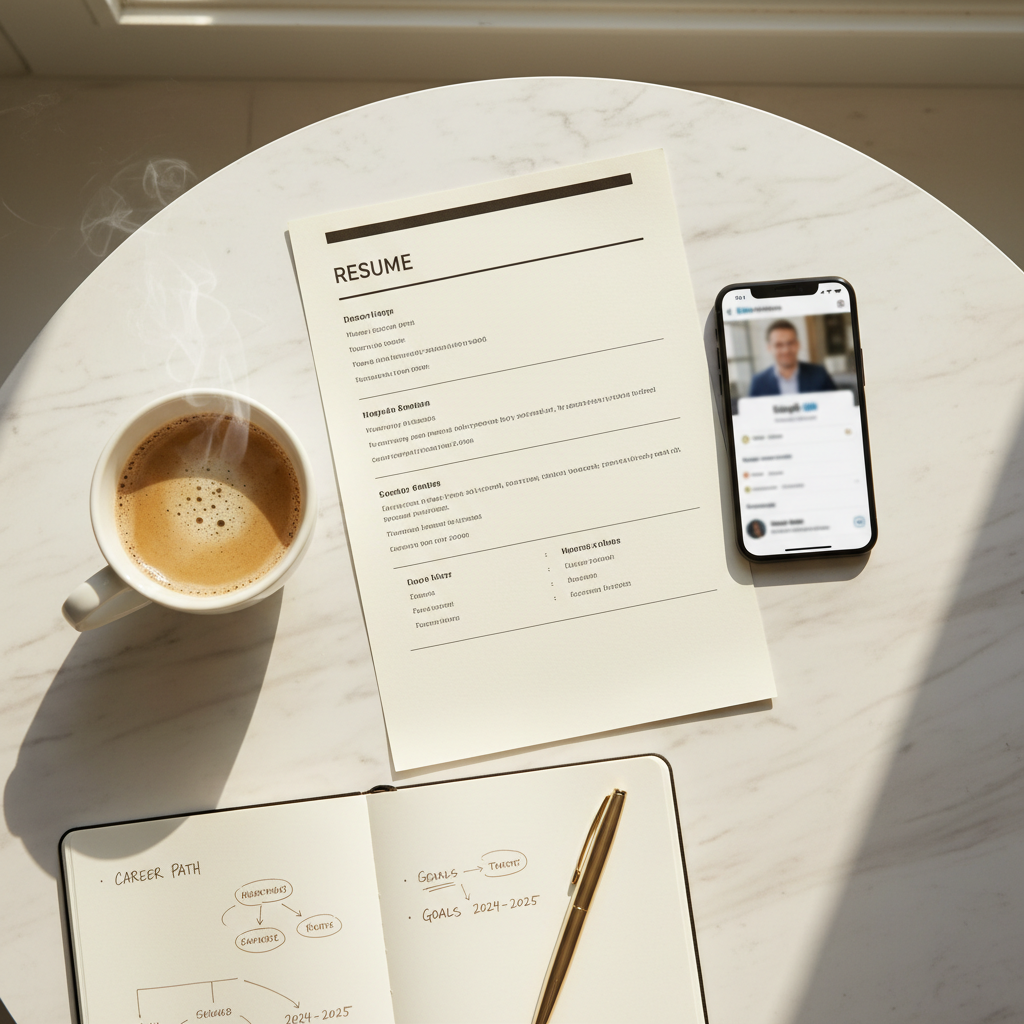
Here's a mistake that costs job seekers interviews every single day: they copy-paste their resume into LinkedIn and call it done.
It's like wearing a suit to the beach. Technically, you're dressed — but you've completely misread the environment.
Your resume and your LinkedIn profile serve fundamentally different purposes, target different audiences, and follow different rules. Understanding these differences — and leveraging both strategically — is one of the highest-ROI career moves you can make.
The Fundamental Difference
Your resume is a targeted sales document. It's customized for a specific role, optimized for ATS parsing, and designed to demonstrate precise fit. It answers: "Why should we interview this person for THIS job?"
Your LinkedIn is a broad marketing platform. It builds your professional brand over time, attracts opportunities you haven't applied for, and demonstrates thought leadership. It answers: "Who is this person, and why should we pay attention to them?"
Trying to make one document do both jobs means neither does its job well.
What Your Resume Does Better
Targeted keyword optimization
Your resume should be tailored for each application, with keywords matching the specific job description. LinkedIn can't be tailored per application — it needs to cast a wider net.
Quantified achievements per role
Resumes thrive on specificity: "Increased conversion rate by 34% through checkout flow redesign, generating $1.2M in additional annual revenue." This level of metric density belongs on a resume.
Concise, scannable format
Recruiters expect to scan a resume in seconds. The format is intentionally compressed — no fluff, no personality, just evidence of competence.
ATS compliance
Formatting, section headings, keyword placement — your resume must be engineered for machines. LinkedIn handles its own formatting.
What LinkedIn Does Better
Storytelling and personality
LinkedIn gives you space for the human context behind your career: why you made certain moves, what you learned from failures, what drives you. Your "About" section is a personal essay, not a professional summary.
The best LinkedIn About sections read like micro-memoirs:
""I started my career making espresso. Now I make software. The throughline? I've always been obsessed with optimizing systems — whether it's pulling the perfect shot or reducing API latency by 300ms. I bring the same intensity to everything I build."
Social proof and endorsements
LinkedIn's recommendation and endorsement features provide third-party validation that a resume can't. A bullet point saying "Excellent at client relationships" is a claim. A LinkedIn recommendation from a client saying "Working with Sarah transformed our business" is evidence.
Thought leadership content
Publishing articles, sharing insights, and engaging in industry conversations demonstrates expertise in ways a static document never can. Recruiters who find your profile through content see you as an authority, not just an applicant.
Network visibility
Your LinkedIn connections, mutual contacts, and group memberships tell recruiters about your professional ecosystem. Being connected to industry leaders and active in relevant communities is a passive signal of your standing.
The Strategic Framework
Here's how to use both platforms in concert:
Step 1: Build Your Resume First
Start with a strong, ATS-optimized resume using fullCV.online. This forces you to identify your key achievements, quantify your impact, and create the "evidence base" for your career.
Step 2: Expand on LinkedIn
Take each resume bullet point and ask: "What's the story behind this number?" Use those stories in your LinkedIn About section, as post content, and in your experience descriptions.
Step 3: Cross-Link Strategically
Your LinkedIn should link to your online resume or portfolio. fullCV.online lets you publish your CV as a professional online page with a shareable link — perfect for your LinkedIn Featured section or website field.
Your resume should include your LinkedIn URL. Together, they create a complete picture: the resume provides the metrics; LinkedIn provides the context.
Step 4: Differentiate the Content
| Element | Resume | |
|---|---|---|
| Tone | Formal, concise | Conversational, narrative |
| Achievements | Quantified bullets | Stories behind the numbers |
| Keywords | Targeted per job | Broad industry terms |
| Format | ATS-optimized | Rich media, links, images |
| Length | 1-2 pages | Unlimited |
| Audience | Recruiters + ATS | Recruiters + peers + industry |
| Update frequency | Per application | Weekly/monthly |
The Compounding Power of Both
When used together, your resume and LinkedIn create a reinforcement loop:
- LinkedIn builds awareness → recruiters discover you
- Your profile impresses → they ask for your resume
- Your resume delivers evidence → they invite you to interview
- The interview confirms what both documents promised → you get the offer
Neither document works as well alone. Together, they're a career engine.
Start Building Both
fullCV.online makes it easy to build a resume that works alongside your LinkedIn strategy. Create your ATS-optimized resume, then publish it as an online profile that you can share, link, and showcase across platforms.
Your resume gets you through the door. Your LinkedIn keeps the door open.