LinkedIn Is Your Career's Homepage
In 2026, LinkedIn has over 1 billion users. 93% of recruiters use it as their primary sourcing tool. Your LinkedIn profile isn't optional — it's the digital equivalent of your professional reputation.
But most profiles are terrible. They're either carbon copies of resumes (wrong), empty shells with just a job title (worse), or abandoned accounts from 2018 (worst).
Here's how to build a LinkedIn profile that actually works.
Section 1: Profile Photo
Profiles with photos receive 21x more views and 9x more connection requests.
Photo rules:
- Professional headshot (not a vacation crop)
- Face takes up 60-70% of the frame
- Good lighting, clean background
- Current (within 1-2 years)
- Smile naturally
Don't have a professional headshot? fullCV.online's AI photo generator transforms regular photos into professional headshots for free.
Section 2: Banner Image
The banner is prime real estate that most people ignore. Use it for:
- A personal brand statement
- Your company's branding
- A professional photograph that represents your work
- A simple design with your specialty/tagline
Dimensions: 1584 x 396 pixels.
Section 3: Headline
Your headline appears everywhere — search results, connection requests, comments. Don't waste it on just your job title.
Formula: [Role] | [Specialty/Value Proposition] | [Key Achievement or Differentiator]
Examples:
- "Senior Product Manager | Building AI-Powered B2B SaaS | Previously scaled products from 0 to $10M ARR"
- "Marketing Director | Demand Generation & ABM for Enterprise Tech | 3x Pipeline Growth at [Company]"
- "Full-Stack Engineer | React + Python + AWS | Open Source Contributor"
SEO tip:
LinkedIn's search algorithm heavily weights your headline. Include the job titles and keywords that recruiters search for.
Section 4: About Section
This is your storytelling space. It should NOT be a copy of your resume.
Structure:
Paragraph 1: Who you are and what you do (your professional identity) Paragraph 2: What makes you different (unique skills, perspectives, achievements) Paragraph 3: What drives you (motivation, values, what you're looking for) Final line: Call to action (how to reach you)
Write in first person. Be conversational but professional. Show personality.
Length:
2,000 characters is the sweet spot. LinkedIn shows the first 3 lines before "see more" — make those lines compelling.
Section 5: Featured Section
Use this to showcase:
- Your online CV from fullCV.online (shareable link)
- Articles you've written
- Projects or portfolio pieces
- Presentations or talks
- Media mentions
This section is visual and attention-grabbing. Use it.
Section 6: Experience
Unlike your resume, LinkedIn experience can be more narrative:
- Include a brief paragraph describing the role and company
- Follow with bullet points of key achievements
- Add media (images, documents, links) to each role
- Link to relevant projects or results
Key difference from resume:
LinkedIn isn't ATS-filtered, so you can use more natural language. But still lead with achievements and numbers.
Section 7: Skills & Endorsements
LinkedIn allows up to 50 skills. Prioritize:
- Skills that match your target role
- Skills that recruiters search for in your industry
- Pin your top 3 skills (these show on your profile)
Endorsements add social proof. Endorse others and they'll often reciprocate.
Section 8: Recommendations
Recommendations are LinkedIn gold. They provide third-party validation that your resume can't.
How to get them:
- Ask former managers, colleagues, and clients
- Be specific in your ask: "Would you be willing to write a recommendation about our work on [project]?"
- Give recommendations first — reciprocity works
Aim for 3-5 quality recommendations from diverse sources.
The LinkedIn + Resume Connection
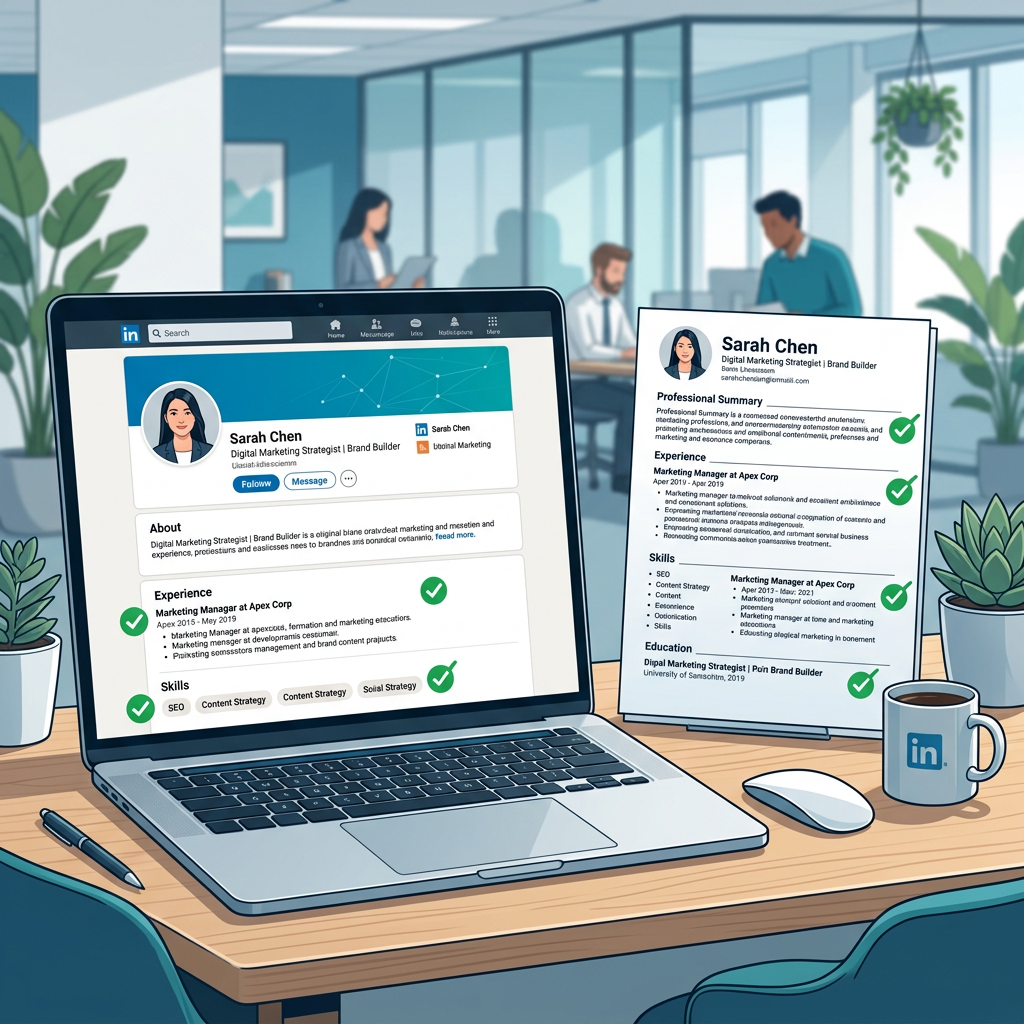
Your LinkedIn and resume should complement each other, not duplicate:
| Element | Resume | |
|---|---|---|
| Tone | Formal, concise | Conversational, narrative |
| Content | Targeted per job | Broad professional story |
| Length | 1-2 pages | Unlimited |
| Media | None | Rich media, links |
| Update frequency | Per application | Monthly |
Link your fullCV.online shareable resume from your LinkedIn Featured section and website field. This gives recruiters a polished, detailed view of your qualifications alongside your LinkedIn narrative.
LinkedIn SEO Quick Wins
- Use keywords in your headline and About section (same terms recruiters search)
- Complete every section (LinkedIn rewards complete profiles with higher search rankings)
- Post regularly (even once a week boosts visibility)
- Engage with others' content (comments are more visible than likes)
- Turn on "Open to Work" privately (visible only to recruiters)
Your Action Plan
- Update your photo and banner
- Rewrite your headline with the formula above
- Craft an engaging About section
- Add your fullCV.online profile to Featured
- Update all experience entries with achievements
- Request 3 recommendations
- Optimize your skills list
Your LinkedIn profile is often the first impression. Make it count.